


Tips
Shipping label automation for online stores: from manual printing to API
Retyping addresses costs hours a month and returned parcels. The three stages of label automation, what Sendcloud costs, when a direct carrier API makes sense and which A6 thermal printer to buy.

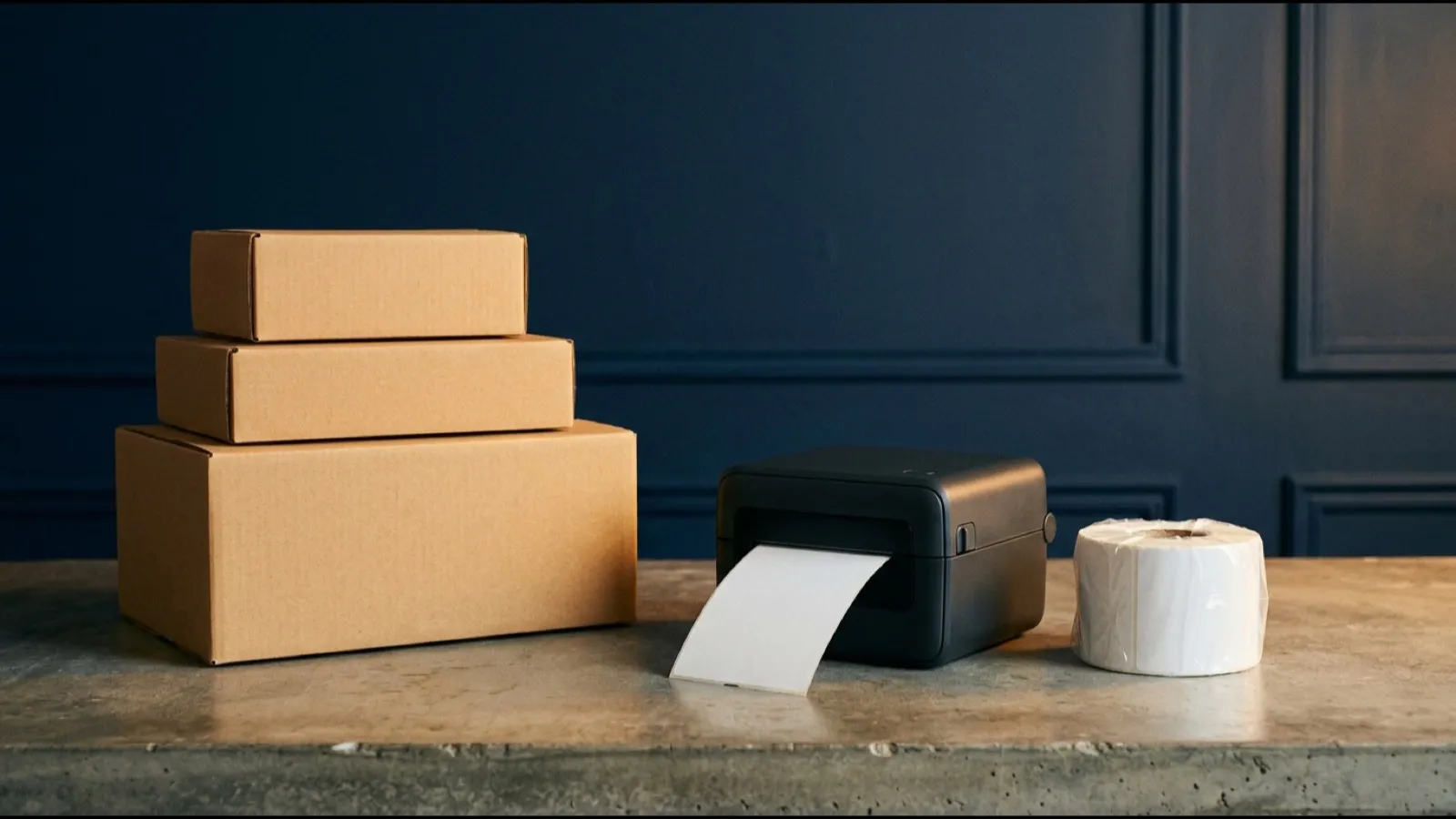
An order comes in. You open the carrier’s website, copy the name, street, postcode, phone and email, enter the weight, download a PDF, print it, trim it, stick it on. Then you paste the tracking number back into the order so the customer knows where the parcel is. At ten orders a week that is a chore. At ten a day it is a part-time job.
Label printing can be automated one step at a time. You do not need to build an API integration on day one. You just need to know which stage you are at and when it pays to move up.
What manual labels really cost you
Filling in a label by hand in a carrier portal takes two to three minutes when nothing goes wrong. At 150 parcels a month that is five to seven and a half hours of pure copying, before you count pasting tracking numbers into orders or answering “where is my parcel?” emails.
Errors hurt more than the time. Two swapped digits in a postcode or a missing flat number, and the parcel comes back. You pay for shipping twice and the customer waits a week longer. Our guide to addressing a parcel covers what sorting machines need to read. Automation removes this error at the source, because nobody retypes the address. It comes straight from the checkout, as the customer entered it.
Three stages of label automation
| Stage | How it works | Who it suits |
|---|---|---|
| 1. Manual carrier portal | You type each address into the carrier website and download the label as a PDF | A few parcels a week |
| 2. Bulk import and shop plugins | Orders are uploaded in bulk or via a plugin, labels in one click | Dozens of parcels a week, one or two carriers |
| 3. Platform or API | Labels are created automatically by rules, tracking numbers return to the shop | Daily dispatch, several carriers |
Stage 2: bulk import and shop plugins
Most carriers, including DHL, UPS, DPD and GLS, let business customers upload shipments from a CSV file. Export your orders, upload them and print every label in one go. It costs nothing and it is enough to get started, as long as your export matches the carrier’s template.
Shop-platform plugins are the more comfortable route. Shopify and WooCommerce both have carrier and shipping apps that create labels straight from the order screen. Our guides to Shopify shipping for EU merchants and connecting WooCommerce to Sendcloud walk through the setup.
Stage 3: multi-carrier platforms
Once you use more than one carrier, a single layer on top of all of them starts to pay off. A multi-carrier platform pulls orders from your shop, picks the carrier by your rules (say, “over 5 kg via DPD, everything else via GLS”), prints all the labels together and sends tracking numbers back to the orders.
Sendcloud is the best-known option in Europe. It has a free plan for up to 20 parcels a month with no carrier contract needed. Paid plans start at €28 a month, plus €0.07 to €0.10 per label depending on the tier. Alternatives and when to go direct are compared in Sendcloud vs Packlink vs direct contracts, and Eurosender vs Sendcloud explains the difference between a broker and a platform.
Direct carrier APIs
DHL, UPS, FedEx, DPD and GLS all offer APIs to contract customers. Labels are then generated inside your own system with no middleman and no platform fee. The catch: every carrier has its own API and its own pace of changing it. Three carriers mean three integrations that someone has to maintain. That is why direct APIs make sense mainly for larger stores with an in-house developer, or when nearly everything ships with a single carrier.
Printer and label format
The de facto standard for parcel labels in Europe is A6, roughly 100 × 150 mm. Carrier systems typically let you print one label per page or four per A4 sheet. Four per sheet works on an ordinary laser printer with self-adhesive sheets, but you are still cutting.
For daily dispatch, a roll-fed thermal printer is worth it. A 4-inch desktop model such as the Zebra ZD421 in its direct-thermal version costs from roughly €300. Direct thermal is fine for parcels: no ribbon, and the label easily survives the trip. Thermal transfer only matters where a label must last for months, such as warehouse shelf labels.
When to move up a stage
- You spend more than an hour a week retyping addresses. Bulk import or a shop plugin cuts that to minutes for next to nothing.
- You use more than one carrier and keep switching between portals. That is where a platform starts to make sense.
- You ship outside the EU. A platform fills in customs data and picks the right carrier per destination. Done by hand, this is where most mistakes happen.
- Customers keep asking where their parcel is. Automatic tracking emails cut those questions noticeably.
If you send a handful of parcels a week with one carrier, though, no platform will pay for itself. You will spend the monthly fee before you save any time. Our online store ROI calculator gives a rough answer.
How to automate shipping labels step by step
- Start with export and import. Bulk uploading orders to your carrier is free and removes most retyping.
- More carriers, more reason for a platform. Sendcloud’s free plan lets you test the workflow before paying.
- Buy a thermal printer for A6 labels. 100 × 150 mm rolls are the standard, and they end the scissors stage for good.
If automating labels is not enough and packing still eats your week, see when fulfilment for small online stores pays off. More resources for merchants are in the e-commerce section.
Quick facts
Shipping label automation for online stores: from manual printing to API
schedule Updated
Summary
Shipping label automation for an online store happens in three stages. The first is typing addresses by hand into each carrier portal, which at 150 parcels a month costs several hours of work and invites address typos. The second is bulk CSV import or a shop-platform plugin that creates the label in one click. The third is a multi-carrier platform such as Sendcloud, or a carrier API, where the label is created automatically once the order is paid and the tracking number flows back to the shop. Sendcloud offers a free plan for up to 20 parcels a month; paid plans start at €28 a month plus €0.07 to €0.10 per label. The de facto parcel label format across Europe is A6, roughly 100 × 150 mm, printed on a 4-inch thermal printer; entry-level desktop models such as the Zebra ZD421 cost roughly €300.
- Automation stages
- Manual carrier portal → bulk import / shop plugin → multi-carrier platform or API
- Sendcloud
- Free up to 20 parcels/month; paid plans from €28/month + €0.07–0.10 per label
- Label format
- A6 (about 100 × 150 mm), one label per page or four per A4 sheet
- Thermal printer
- 4-inch desktop direct-thermal model (Zebra ZD421d) from roughly €300, print width up to 104 mm
- Direct carrier API
- No platform fee, but one integration to build and maintain per carrier